Routers – The Layer 3 Devices That Connect Networks


8
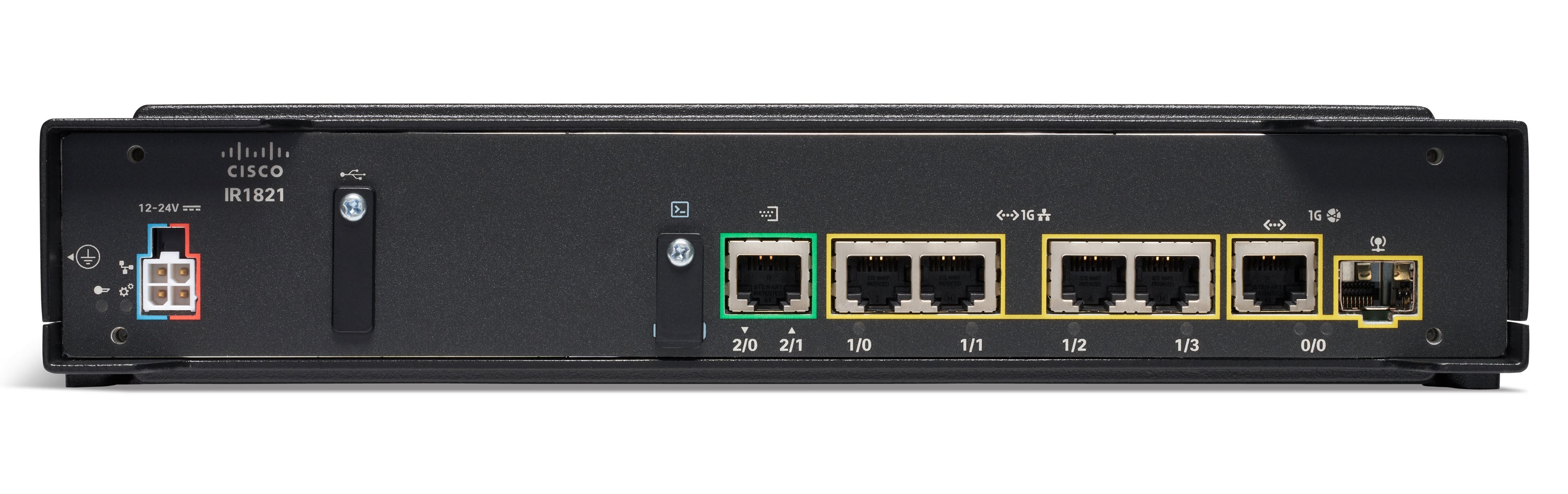
If switches operate at Layer 2 and handle communication inside the local network, routers operate at Layer 3, connecting one network to another.
Routers are the gateway of an environment — the device through which all traffic enters or leaves a network.
A router can connect:
- your internal network to the Internet,
- one office to another,
- one VLAN to another,
- or entire organizations across long distances.
Without routers, the Internet simply wouldn’t exist.
🌍 The Role of a Router: Connecting Different Networks

6
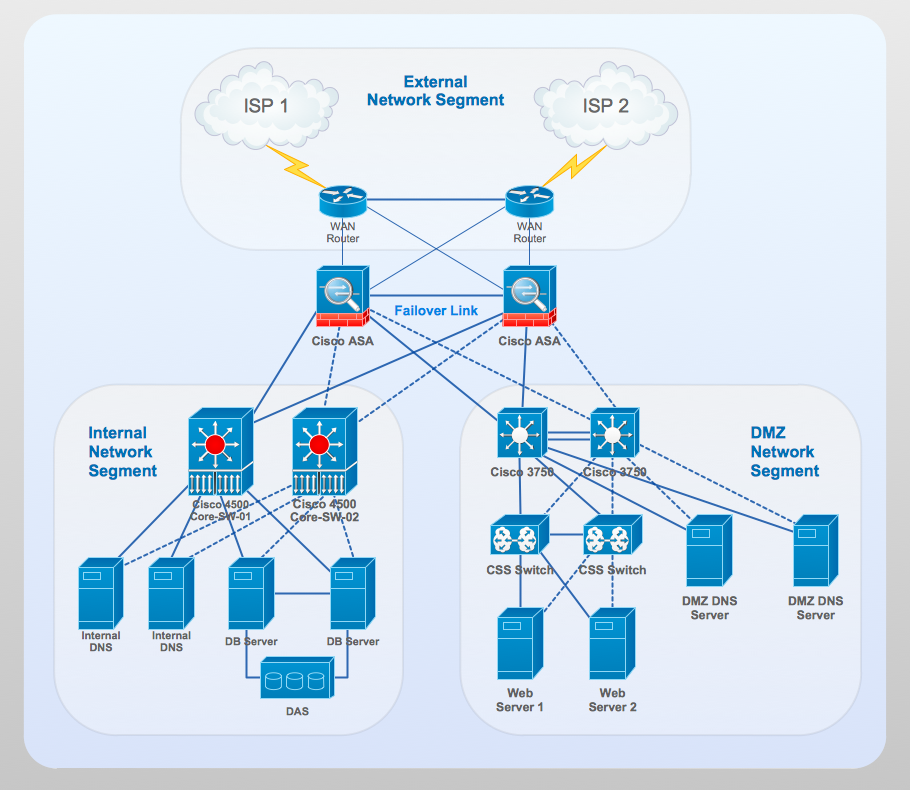
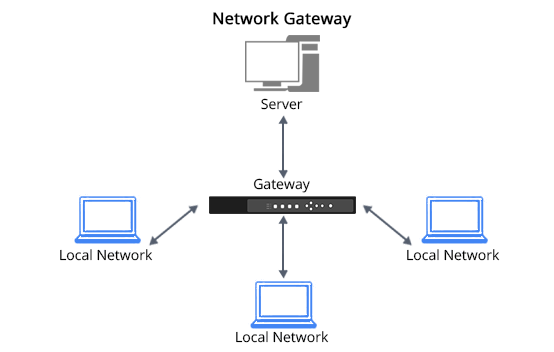
A router connects:
- Internal Network (LAN) → your company or home
- External Network (WAN) → your ISP, another office, or the Internet
- Other Internal Networks → other departments, buildings, or data centers
It works like a gate:
Everything entering or leaving a network must pass through the router.
Switches only forward frames within the same network, while routers decide between different networks, using IP addresses and routing tables.
🧭 Routing: Static or Dynamic
The word router reveals its purpose: it routes packets, choosing the best path to reach a specific destination.
Routers use two routing methods:
🔹 Static Routes (manual)
Configured by the network administrator.
Example:
“Send all traffic to network X through next-hop Y.”
🔹 Dynamic Routes (automatic)
Learned through routing protocols such as:
- OSPF
- BGP
- EIGRP
- IS-IS
These protocols allow routers to exchange information, avoid failures, and constantly calculate the best path.
🚗 A Perfect Analogy: Waze Works Like a Routing Algorithm


4
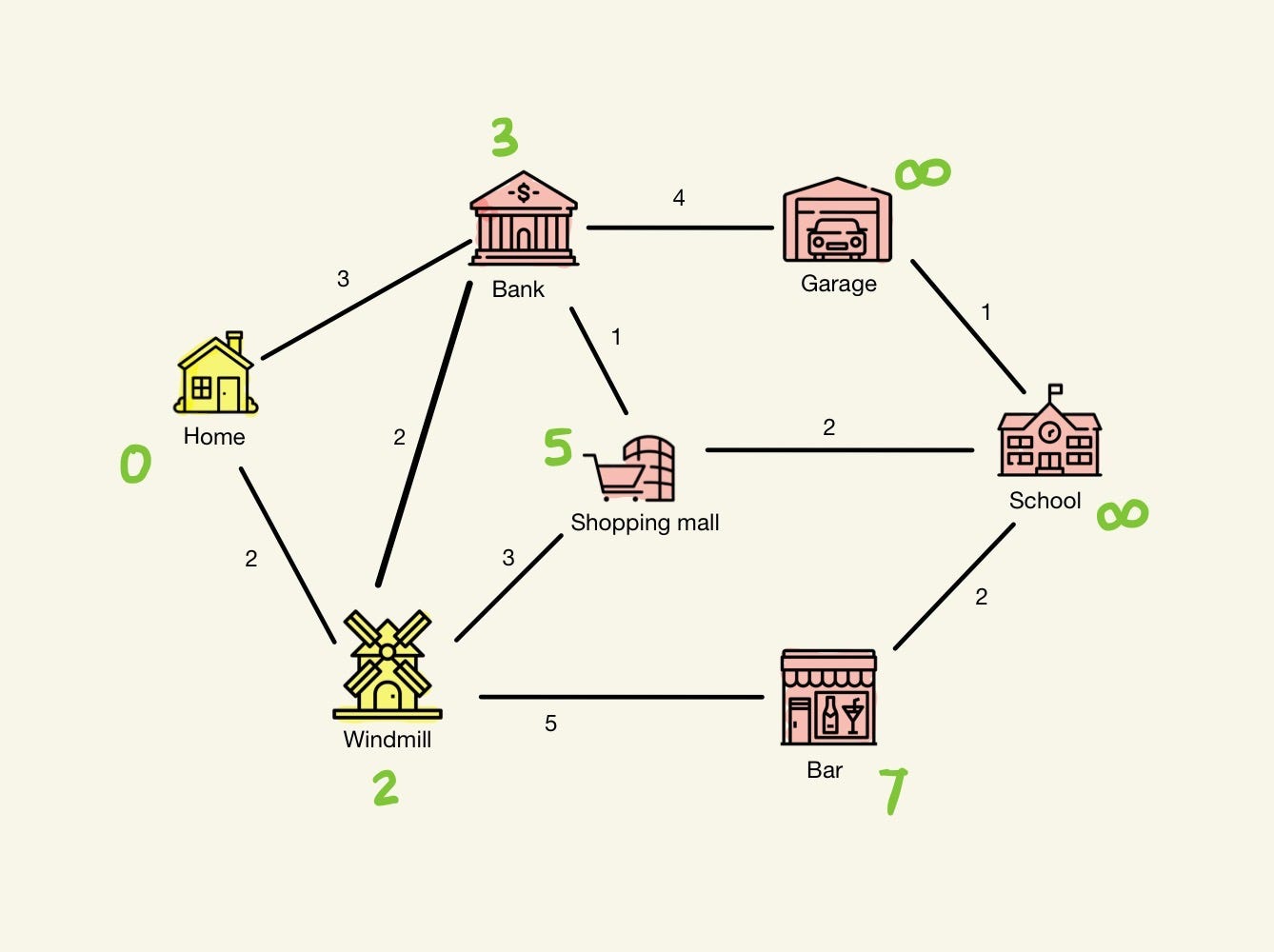
Waze works just like a router:
- Roads = possible paths
- Allowed speed = available bandwidth
- Traffic jams = congestion and latency
- Closed roads = routes not available
- Best path = lowest cost route (metric)
Routers do this millions of times per second, choosing the optimal path for every IP packet traveling across the Internet.
🏠 Home Routers – What You Have at Home

6
A home router:
- supports lower throughput,
- combines several functions (Router + Switch + Wi-Fi + DHCP),
- has only a few ports,
- usually supports 10–20 users at most.
And here is an important note:
➤ Every Layer 3 device also performs Layer 2 switching.
This is why you don’t need a switch at home — your router already includes basic switch functionality.
🏢 What Matters to Us: Professional, Managed Routers


6
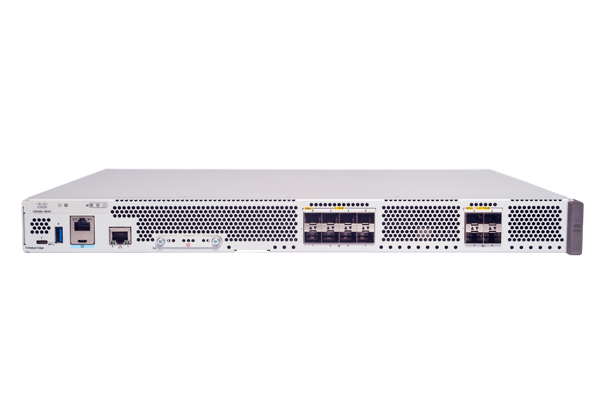
For network professionals, the focus is on enterprise-grade routers:
- fully manageable
- highly configurable
- support NAT, VPN, ACLs, QoS, MPLS, OSPF, BGP
- built for 24/7 operation
- used to interconnect branch offices, data centers, and ISPs
These devices are nothing like home routers — they are built for performance, reliability, and precise control.
🔌 Why Routers Have Few Ports
Routers typically have:
- 2 to 4 Ethernet ports,
- dedicated WAN interfaces,
- sometimes SFP ports.
Why so few?
Because routers are not meant to connect many devices.
Their purpose is to connect networks, not users.
If you need to connect dozens or hundreds of devices:
➡️ You attach a switch to one of the router’s ports.
Switch = expands the network
Router = connects the network to the outside world
🧩 Modular vs. Fixed Routers


6
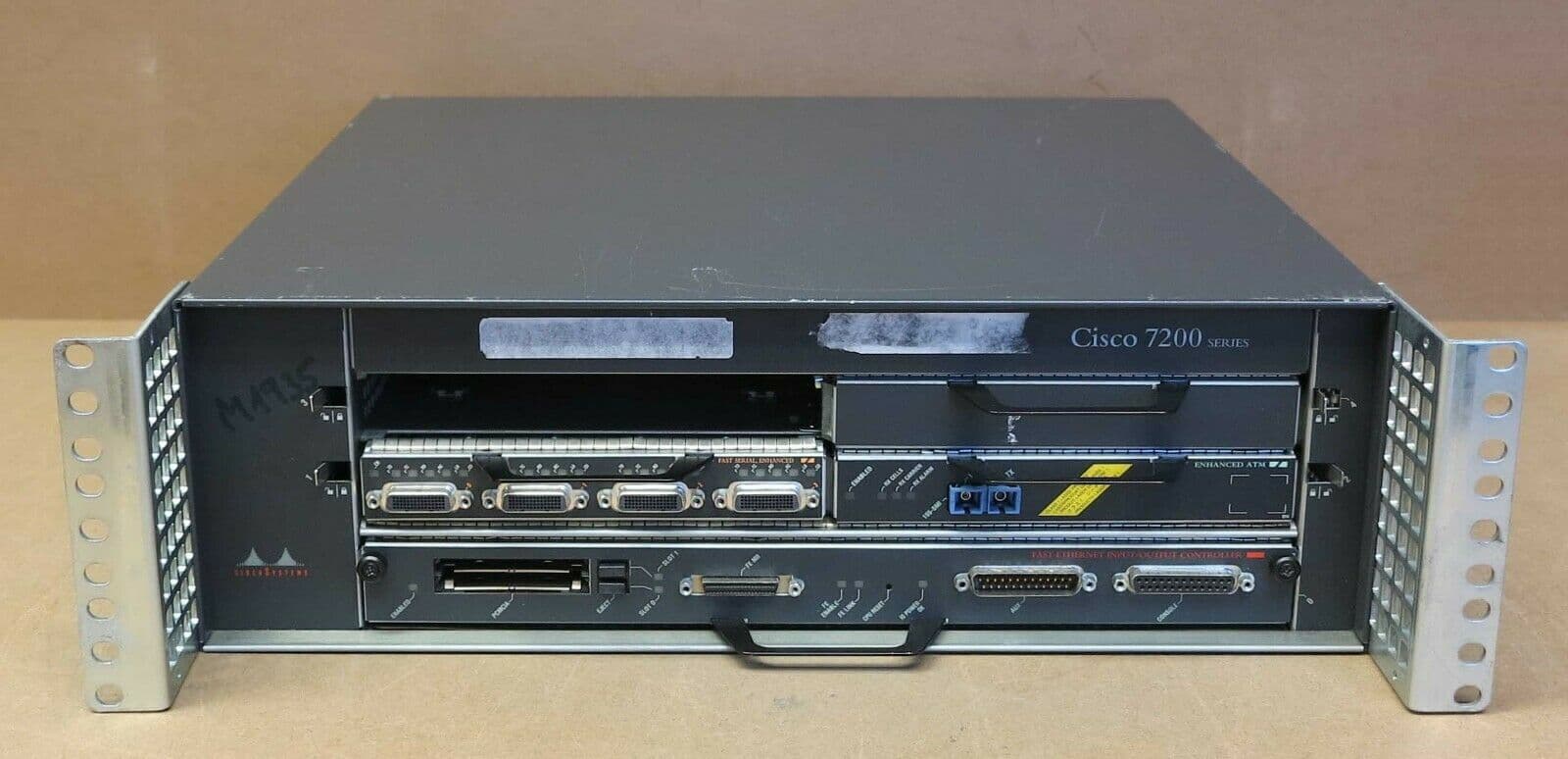
Fixed (Non-Modular) Routers:
- Ports are fixed
- Factory-defined hardware
- Cheaper and common in small offices
Modular Routers (Chassis-Based):
- Support additional interface cards
- Can add WAN modules, fiber, 4G/5G, serial, etc.
- Designed for high performance and scalability
- Used in large enterprises and data centers
🔌🔌 Redundant Power Supplies

4
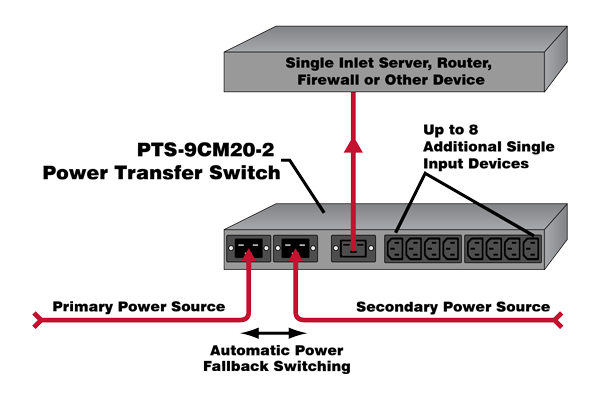
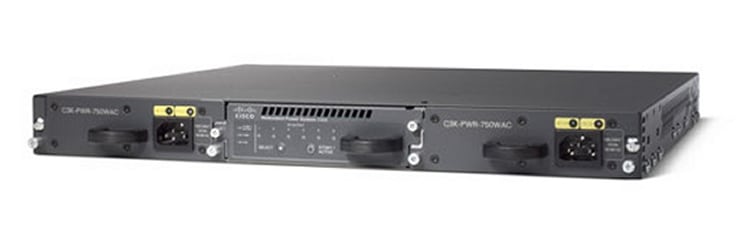
High-end routers, like switches, may include:
- dual power supplies,
- running simultaneously,
- ensuring the router stays online even if one PSU fails.
Critical for reliable network operation.
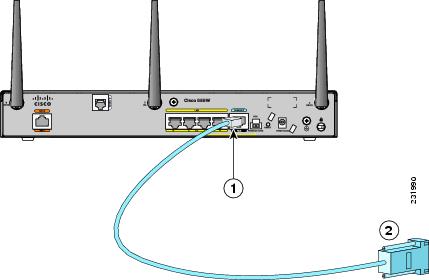
🔧 Console Port – Direct Access for Configuration


4
Professional routers include a console port, used for:
- first-time configuration
- disaster recovery
- troubleshooting
- CLI access
Just like enterprise switches, routers depend heavily on command-line configuration.
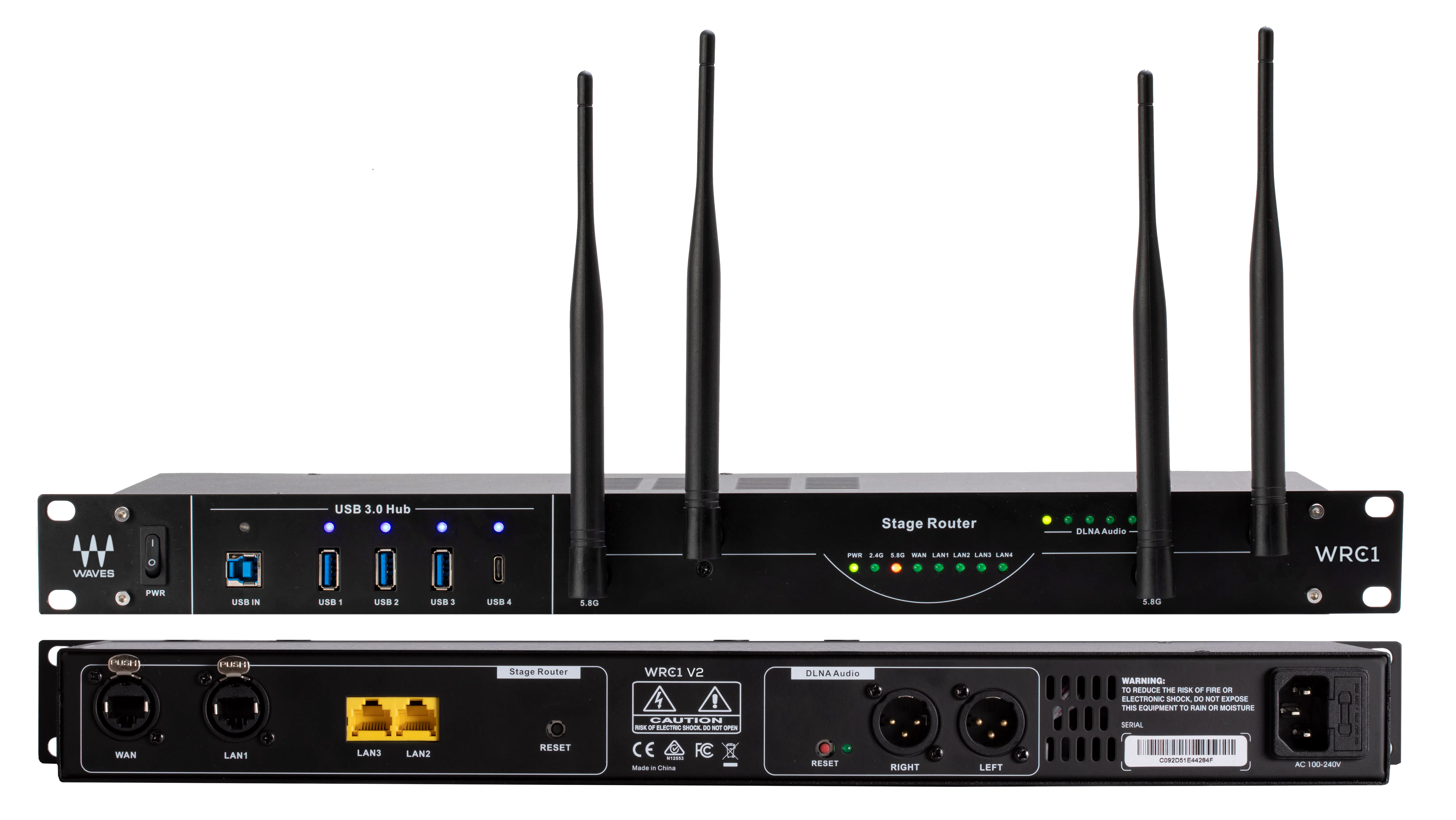
📦 Rack-Mount Design – Just Like Switches


6
Routers come in a chassis designed for standard 19-inch racks.
They include:
- rack ears for mounting,
- a metal body for durability,
- standardized width for compatibility with other devices like:
- switches
- firewalls
- servers
- patch panels
- UPS units
🧠 Why Routers Are Essential
Routers:
- connect different networks
- perform NAT and PAT
- apply policies and firewall rules
- enable VPNs
- determine the best path for packets
- create the structure of the Internet
- interconnect companies and data centers
- keep networks reachable
They solve problems that switches alone can never solve.
Switches keep communication inside the network.
Routers allow communication between networks.
Deixe um comentário